What an Online Booking Website Should Do for Your Business
See how an online booking website helps customers choose a service and time, while DigitalBooking keeps requests, approvals, and records organised.
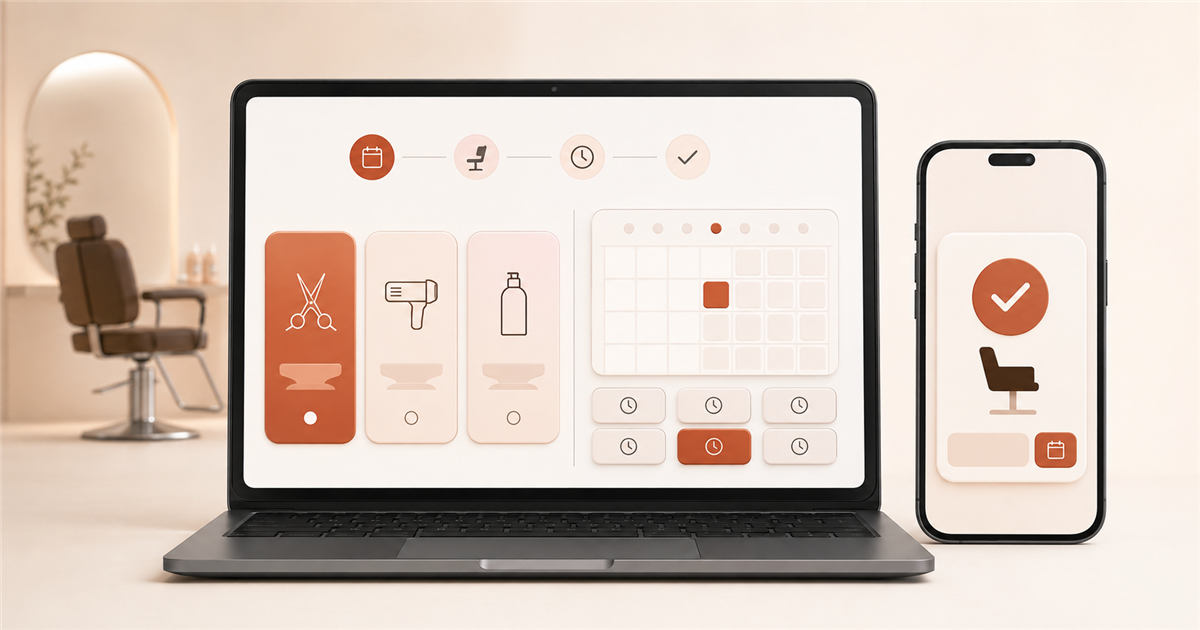
An online booking website is the customer-facing part of a wider booking system. It should answer three practical questions before someone has to call: what can I book, when is it available, and did my request go through? Behind that page, the business still needs a reliable way to review requests, manage its calendar, and keep customer details organised.
DigitalBooking connects those two sides: customers use a clear booking website, while the business manages requests from the web or mobile app.
Start with the decision your customer is making
A customer may need a haircut before Friday, a table for four on Saturday, or a clinic appointment after work. The page should help them decide without first learning how your system works.
Put the useful choices in a natural order:
- the service, table, class, or appointment type
- the available date
- the available time
- the few contact details needed to handle the booking
Avoid making visitors search a full business website for a small "Book now" link. With DigitalBooking, a business can share one dedicated booking link from Instagram, Google Business Profile, WhatsApp, email, or a QR code at the counter. One clear route also means staff do not have to explain a different process on every channel.
A good booking website removes questions at the exact moment a customer is ready to choose.
Make the mobile version the real version
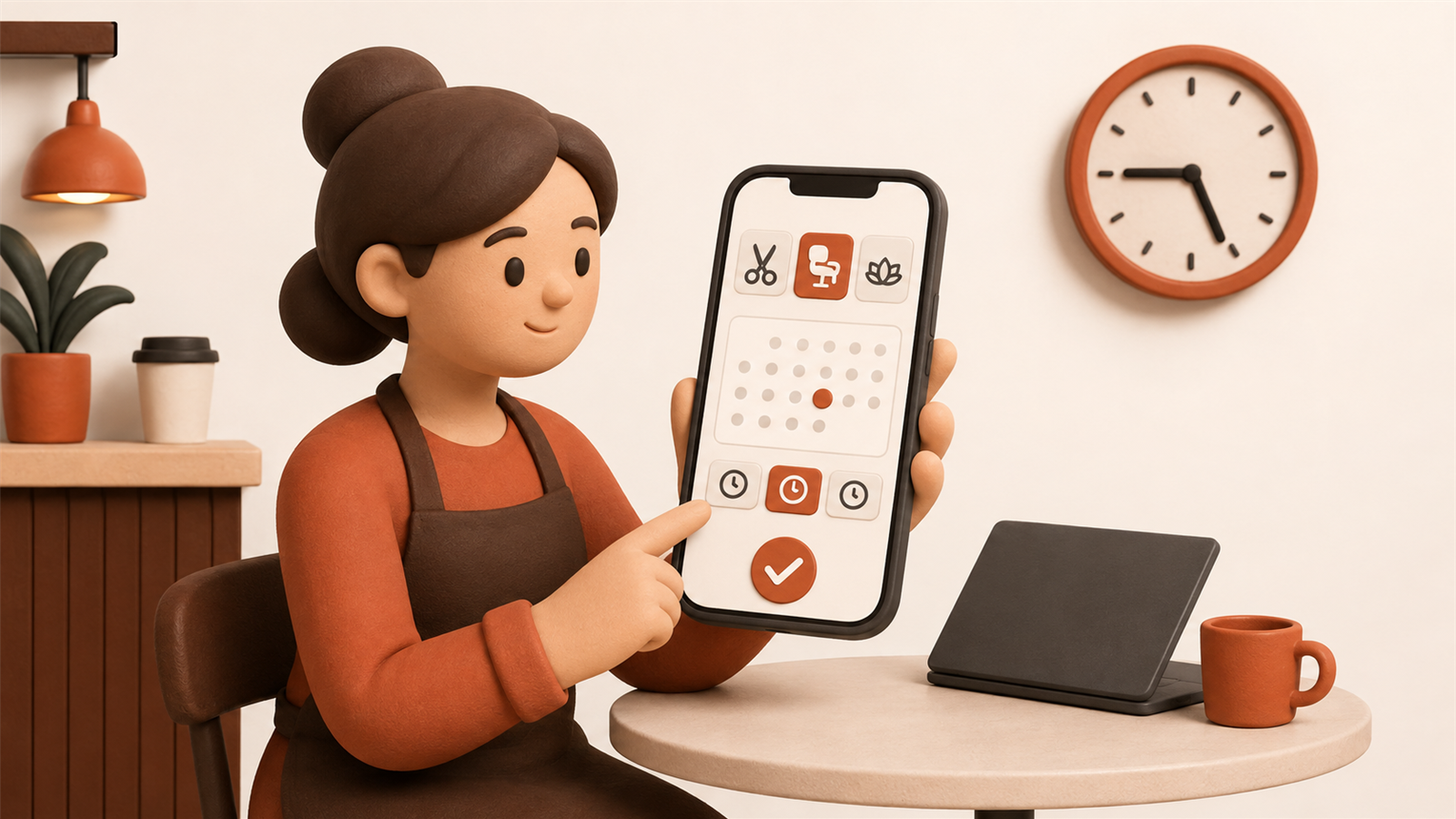
Many bookings happen in small gaps: on a train, outside a school gate, or from the sofa on Sunday night. In those moments, the customer's phone is not a secondary device. It is the booking desk.
On a small screen, service names must fit and time slots need comfortable tap targets. Nobody should have to zoom or scroll sideways to see availability.
Imagine a customer trying to book a massage with one hand while carrying a bag in the other. If the time slots are tiny or the form asks for an account and a password, postponing the task is easier than finishing it. Most postponed bookings do not become phone calls later; they simply disappear.
Show availability customers can trust
An online calendar only helps when it reflects the day your team is actually running. If a customer can request a time that has already been promised over the phone, your website creates extra work instead of reducing it.
Keep every request in one calendar. A salon owner can see that a colour appointment occupies the afternoon; a restaurant manager knows the last large table has gone before approving another group.
Let approval stay under your control
Real businesses sometimes need a final check. A treatment may require a particular room, a class may need the right instructor, or a table request may need a layout change. Let customers request a real available time, then give the business a quick way to approve or decline it.
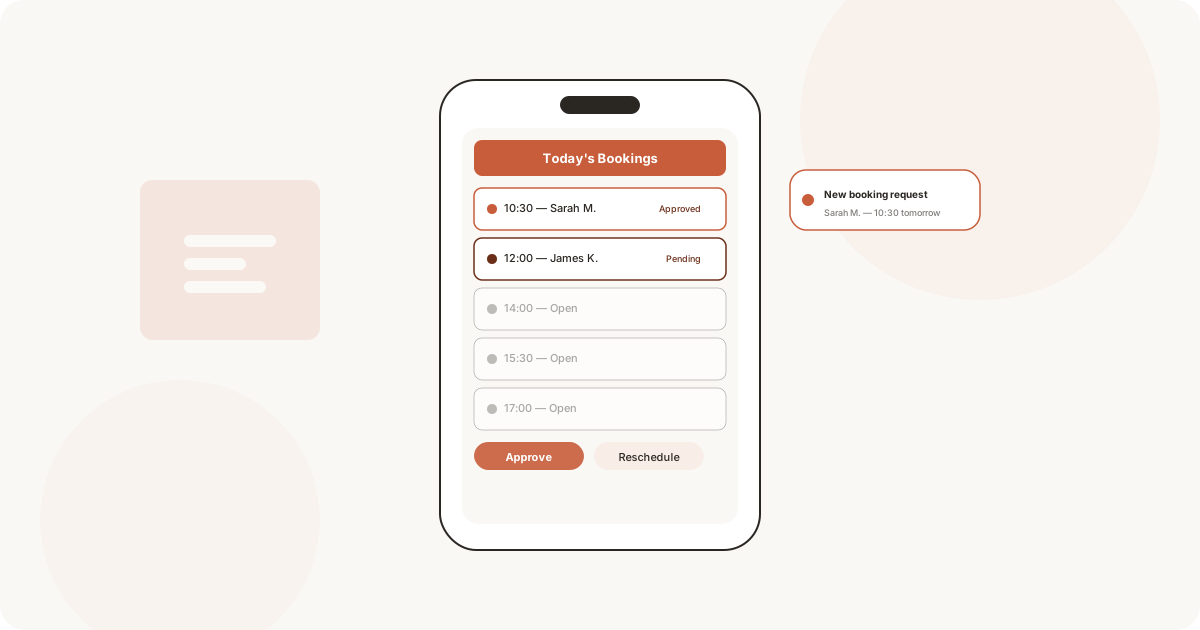
DigitalBooking sends the request to the business so it can be reviewed from a phone and approved with one tap. The customer then receives an automatic confirmation email. That keeps the online booking website convenient without taking control of the working day away from the team.
Ask for less and explain what happens next
Long forms create friction. Ask only for the details needed to manage the appointment. Name, email, phone number, and a short note may be enough.
The page should also set expectations. Customers need to know whether their selection is instantly confirmed or waiting for approval. When a request is approved, an automatic email should repeat the service, date, and time. That written record prevents the familiar "I thought it was next Tuesday" problem and saves staff from sending the same details manually.
Build trust with clarity, not decoration
A booking page needs to feel connected to a real business. Use accurate service descriptions, opening hours, prices, booking conditions, and recognisable contact details rather than decorative distractions.
Before publishing, test the page as a new customer would:
- Can you identify the right service without insider terminology?
- Can you reach an available time in a few taps?
- Is it obvious whether the booking is requested or confirmed?
- Does the confirmation contain the same details you selected?
- Can staff see and act on the request from their phones?
These checks matter more than adding another visual effect. Trust grows when the page behaves exactly as the customer expects.
Treat the website as part of the working day
The customer-facing page is only half of an online booking website. The system must also work when a stylist is mid-appointment or a cafe manager is handling the lunch rush.
DigitalBooking keeps the requested service, date, time, and customer details in one place. Staff can review new requests through the web dashboard or mobile app, act while away from the front desk, and use customer history for context on the next visit. The online booking website stays simple for the customer because the booking system handles the operational detail behind it.
The result is not merely a nicer web page. It is one booking flow shared by the customer and the team: clear choices at the front, a reliable calendar in the middle, and a definite response at the end.
If your current process makes customers call, wait, or repeat their details, give them a clear booking page backed by tools your team can use throughout the day. Launch your online booking website with DigitalBooking and give every request a clear path into your calendar.