How to fill last-minute cancellations without phone tag
Last-minute cancellations do not have to leave empty chairs or quiet tables. Here is how booking businesses can react faster and recover lost revenue.

Last-minute cancellations rarely arrive at a convenient moment. They show up ten minutes before a clinic appointment, just after a salon opens, or during the lunch rush when a small restaurant already has three things happening at once. The problem is not only the lost booking itself. It is the speed at which that gap can turn into wasted time unless you spot it early and act on it.
For businesses that run on reservations, recovering those empty slots depends less on luck and more on having a booking process that stays clear under pressure.
Empty slots become expensive very quickly
One cancelled table at 7pm or one dropped colour appointment at 4pm can change the shape of the whole day. Small teams usually do not have spare capacity floating around to soften that hit. If a stylist loses a ninety-minute slot, that is a real block of revenue gone. If a clinic has a gap in the middle of an afternoon, it can throw off staffing, room use, and the flow of the next few appointments.
The tricky part is timing. A cancellation received early in the week gives you options. A cancellation that lands forty minutes before the slot does not.
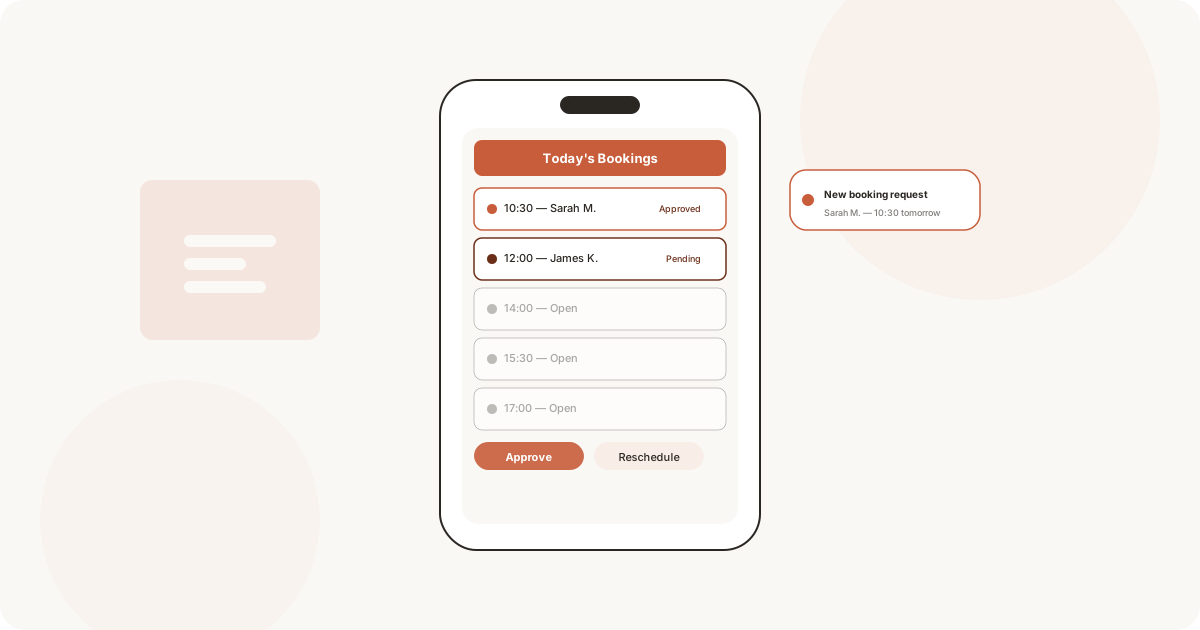
A cancelled booking hurts less when the open slot becomes visible instantly.
Speed matters more than a perfect recovery plan
When someone cancels, you do not need a complicated workflow. You need the next best action to be obvious. If the booking system updates your calendar immediately, you can see the gap while there is still time to do something with it.
Think about a barber on a packed Friday. A client cancels a 5:30 appointment while the barber is finishing another cut. If the cancellation is clear on the phone the moment it happens, there is still time to open that slot to someone else. If it sits buried inside a text conversation until 6:00, the chance has already gone.
The same logic applies across different businesses, from a pilates studio spotting a free reformer slot before the evening class run to a cafe seeing a dropped group booking early enough to take another reservation.
A single live calendar changes the response
The biggest difference between a manageable cancellation and a costly one is often whether the whole team is looking at the same version of the day. Paper diaries, separate inboxes, and informal notes make that harder than it sounds.
With one live calendar, a cancellation does not have to be relayed from person to person. The gap simply appears. That removes a lot of small delays:
- no checking whether someone else already filled the time
- no calling back to confirm what was cancelled
- no crossed-out slot that still confuses the next person looking at the diary

This matters most when the day keeps moving while the booking changes. A shared mobile view keeps everybody aligned without turning every cancellation into a mini investigation.
Rebooking works better when you know your customers
Not every open slot is equally easy to refill. A short slot between two colour appointments may suit a fringe trim, while a long weekday treatment may need someone who has booked at short notice before.
That is where customer history becomes practical rather than theoretical. When you can quickly see who books regularly, who tends to choose daytime slots, or who cancelled and rebooked recently, you stop guessing who might take the gap.
Use context, not memory
Relying on memory sounds manageable until the day gets busy. A proper booking record helps you answer useful questions quickly:
- Which customers usually come in on weekday mornings?
- Who has asked for the next available slot before?
- Which appointment types can realistically fit into this gap?
Customers respond better to clear, low-friction booking options
Filling a cancellation is also about the customer side. People are far more likely to take an available slot if the path from “that works for me” to “I am booked” is short. If they need to call, wait for a reply, or exchange three messages to confirm the time, the opportunity cools off.
Online booking helps because the slot can be presented as real availability rather than a vague offer. A customer sees the time, taps through, and gets a confirmation straight away. That is a much stronger recovery flow than hoping someone answers the phone in time.
Picture a yoga studio with a late cancellation for the 6pm class. A regular customer checks the booking page during the commute home, sees the space, and takes it in seconds.
The goal is to protect the day, not just the booking
Businesses often treat cancellations as isolated losses, but the wider damage is usually operational. One empty appointment can make the day feel uneven, leave a team underused, or break momentum during a normally busy stretch.
A calmer booking setup does not stop every cancellation. It does make the aftermath easier to handle. When you can see the gap immediately, trust the calendar, and move customers into available time without friction, you give the business a better chance of recovering the lost hour.
That is the practical value of a better booking system. It is not about adding more process. It is about reducing the delay between a change happening and your team responding well to it.
If cancellations keep leaving holes in your day, it helps to run bookings from a system that shows changes immediately and makes open slots easier to reuse. Fill empty slots faster and keep your calendar working harder for you.