How to manage your bookings from your phone without stress
Stop chasing the diary at your desk. Approve, reschedule, and track every reservation in seconds straight from your mobile.
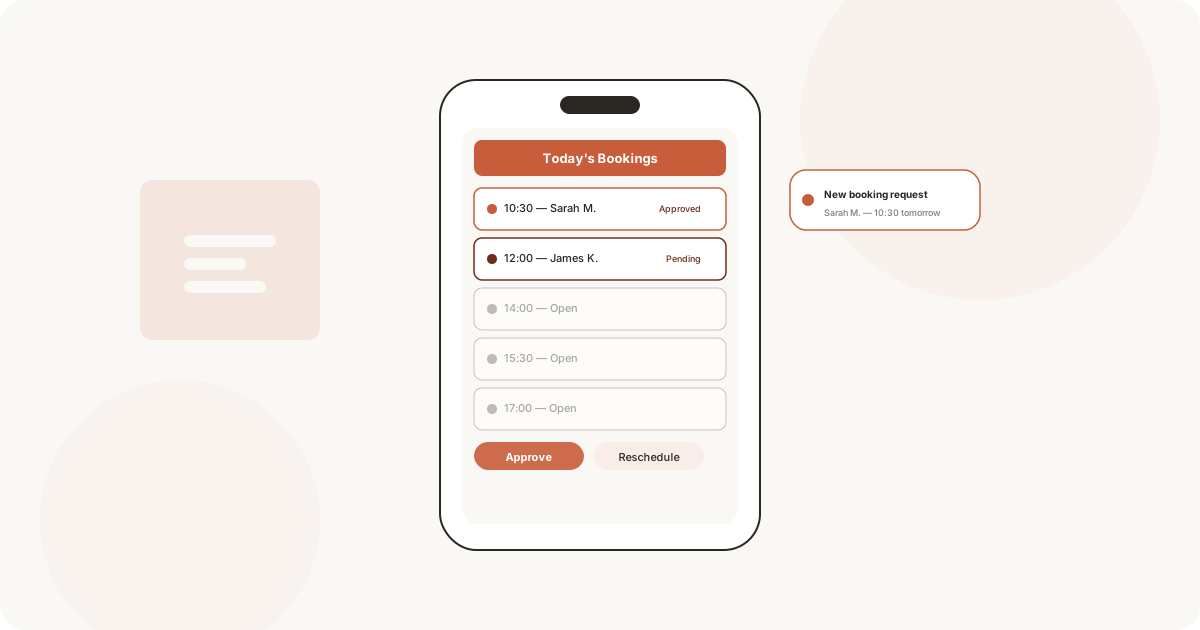
You are mid-cut, gloves on, scissors in hand. Your phone buzzes. A new booking request sits on the screen. You tap “Approve” with one thumb. The customer gets a confirmation email before you finish the next section.
That is what managing bookings from your phone looks like now. No running back to the front desk. No notebook with crossed-out names. No missed calls from someone who wanted a slot at 8pm on a Sunday.
For salons, clinics, studios, cafes, and restaurants, a mobile-friendly booking setup changes how the whole day flows. Here is how it works in practice.
Why the desk diary is costing you money
A paper diary does exactly one thing: it sits on a desk. When you step away from that desk, you have no idea what your schedule looks like. Customers call for a slot while you are busy with another one. You guess, scribble, hope.
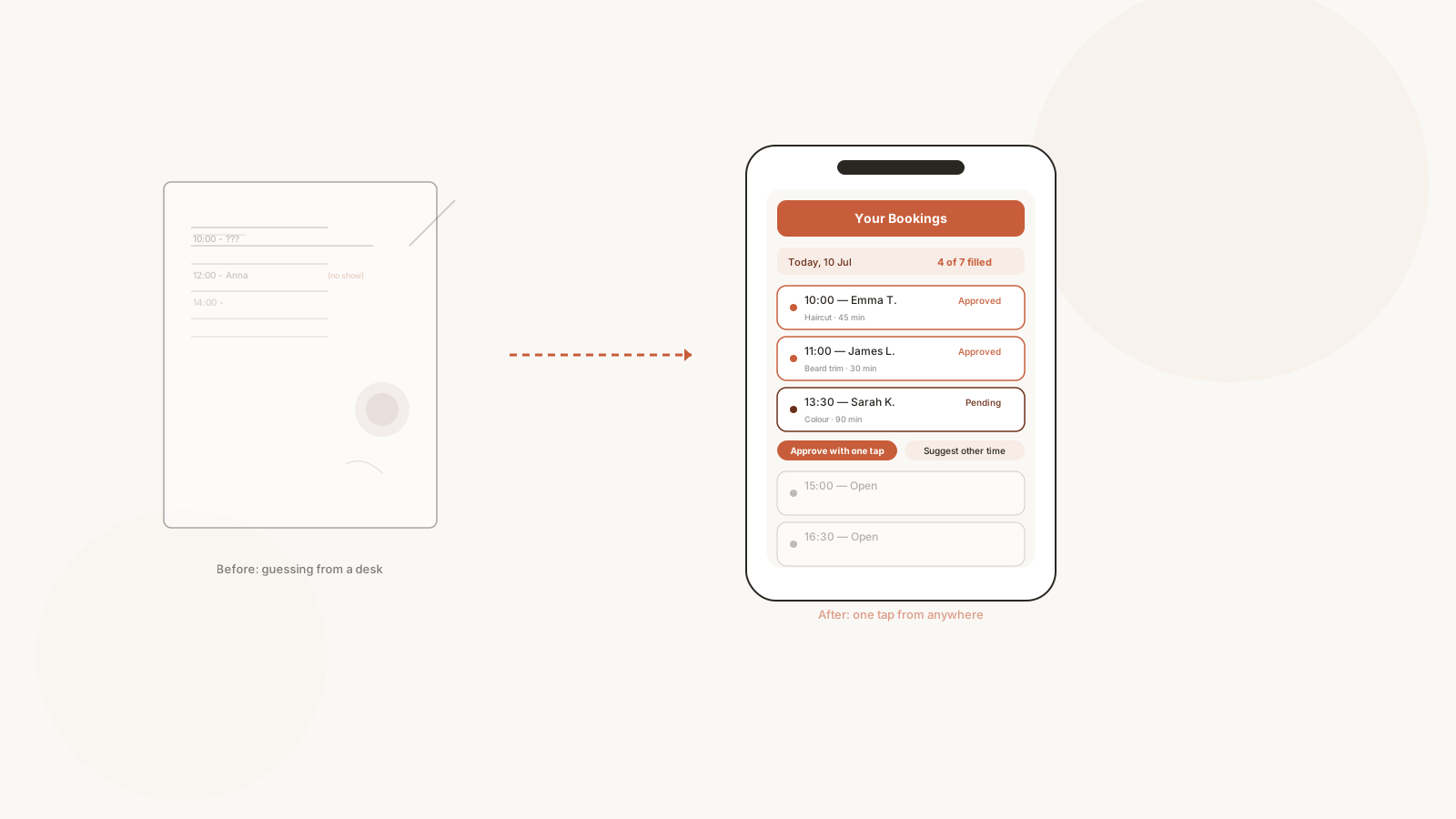
Every missed call is a booking you will never recover.
Then there are the no-shows. The standard figure across service businesses in the UK sits around 15-20%. For a salon with ten appointments a day, that means two slots filled by empty chairs. Two hours you could have filled if you had sent a reminder. A paper diary cannot send reminders. A mobile booking app can.
Free yourself from the front desk
Think about a typical shift. Between appointments you check the phone, return calls, add a note, move things around. With a mobile booking app, those micro-tasks live on your lock screen, not on a piece of paper stuck under a coffee cup.
- Glance at your day ahead during the commute
- Approve or reschedule in the gap between customers
- Check who cancelled while you were with a client
- See your next three slots while restocking supplies
You never need to wander back to the diary. The diary follows you.
What notifications actually do for you
Push notifications get a bad name. Too many apps, too many pings. But in a booking flow, three specific notifications change everything:
- New request - a customer just asked for a slot. You tap once. Gone.
- Upcoming appointment - your next client is due in 15. You wrap up the current one.
- Cancellation - a slot opened up. You can offer it to someone on the waitlist before it goes cold.
Three quiet nudges. No inbox clutter. No group chat pings about the schedule.
How customers see a mobile-first booking page
The customer side matters just as much. Most bookings now come through Instagram or Google. The person clicks a link, lands on a booking page, and picks a slot. If that page does not load well on a phone - if they have to pinch, zoom, scroll sideways - they leave.
A mobile-first booking page is clean. A few taps and the slot is theirs. No account creation. No filling out eight fields. Just name, time, confirm.
This flow takes under ten seconds on a good mobile booking page. That speed directly affects how many bookings land in your calendar. Slow pages lose people.
The one-calendar rule
A mobile booking system ties every reservation into a single calendar view. No scattered diaries. No apps that don’t talk to each other. No partner accidentally double-booking a slot because they didn’t see your note.
When the whole team sees the same calendar, from their own phones, the double-booking problem vanishes. So does the “I didn’t know we had someone at 3pm” problem.
- One calendar
- Synced across phones
- Updated in real time
- Accessible from anywhere
You run the business from your pocket, not from a desk drawer.
Every reservation that goes through a mobile booking flow is one less phone call to answer, one less missed slot, one less awkward cancellation to manage by voice.
Manage bookings from your phone and leave the desk diary behind for good.